To create an ebook, choose a clear reader outcome, outline the content, write the manuscript, then edit and prepare the publishing file. More on how to create an ebook.
Many people begin with a cover and a broad topic, then struggle to decide what belongs inside. The process becomes simpler when you start with one clear outcome.
Before opening a blank document, decide who needs the ebook and what it should help them do.
Key Takeaways
- Choose one audience and one clear outcome before you begin writing.
- Build chapters around the reader’s next steps, then remove content that doesn’t support those steps.
- Separate drafting, editing, and formatting so you can give each task proper attention.
- Choose your publishing destination before preparing the final file, and test the version readers will receive.
- Connect the finished digital book to a clear delivery process, whether readers download it directly or receive it by email.
Table of Contents
Plan the ebook before you write
A broad topic gives you plenty to write about.
But it also makes the ebook harder to organize.
Narrow the ebook topic by asking what readers should understand or complete after reading.
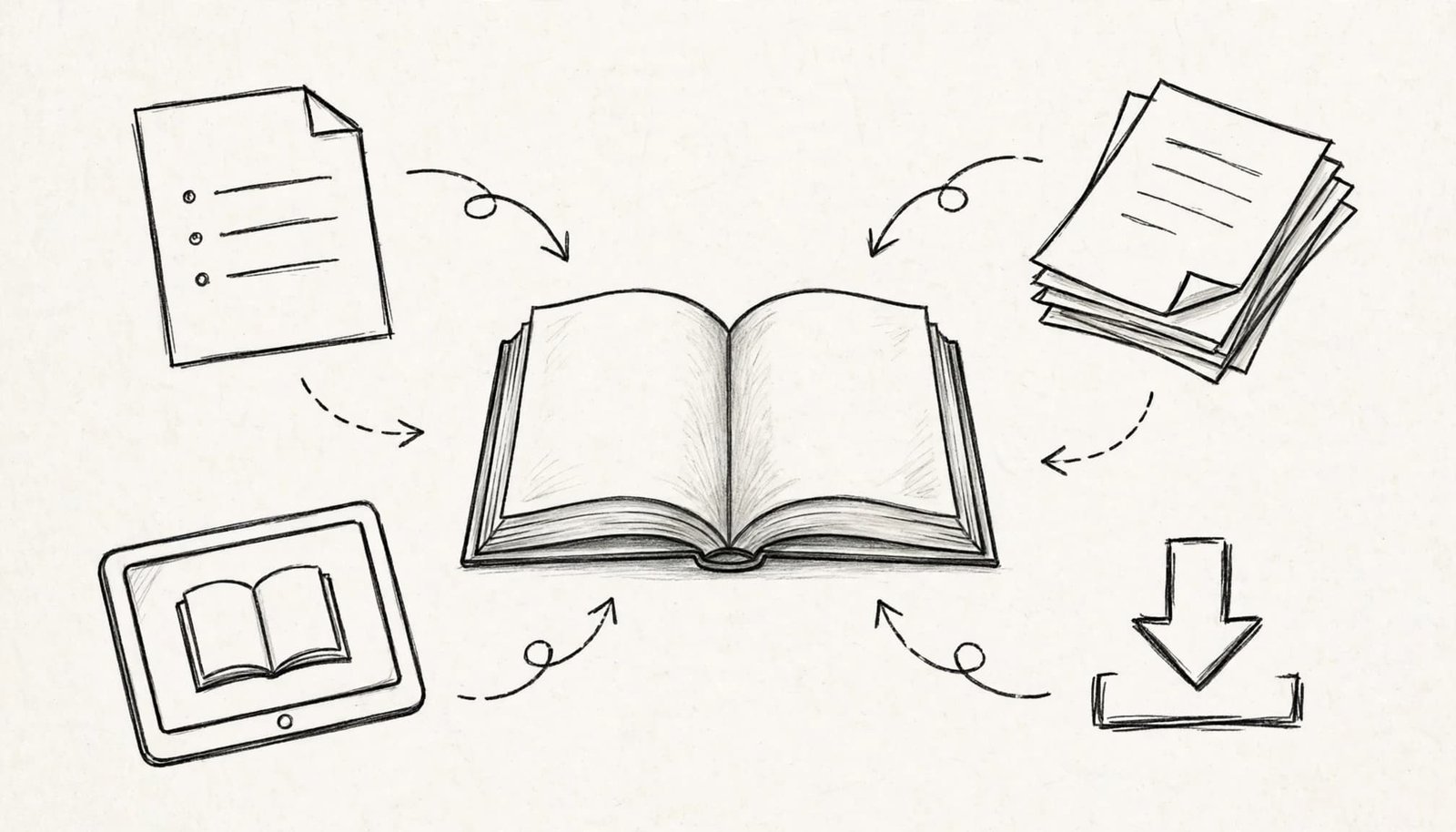
Define the reader’s starting point of how to create an ebook
Your reader arrives with existing knowledge, questions, and limitations.
Write those down before choosing chapters.
What do they already understand? What keeps them stuck?
Use questions people ask you, replies to relevant content, and conversations with your intended readers. Keep their wording when it makes the problem clearer.
Don’t assume an experienced professional and a complete beginner need the same explanation.
Choose the reader you can help clearly. How to create an ebook.
That choice affects your vocabulary, examples, chapter order, and supporting material.
You can repurpose content as a starting point, but reorganize it around the reader’s needs and fill any gaps.
Read: “HOW TO CREATE A DIGITAL PRODUCT’’
Define the finished outcome of How to create an ebook
The topic describes the subject.
The outcome describes what the reader can do with it.
Choose an outcome you can support through clear instructions, explanations, or exercises. Avoid promises that depend on factors outside the ebook.
Then set boundaries around the content.
Decide which questions belong inside and which belong elsewhere. Related information can still distract readers when it interrupts their progress.
If a section doesn’t support the outcome, remove it or save it for another resource.
A focused ebook gives every chapter a clear job.
Build an outline around the reader’s next step
Many people organize an ebook around everything they know.
Instead, organize it around what the reader needs next.
Begin with the final outcome and work backward. Identify the decisions, explanations, and actions required to reach it.
Use this sequence to build the outline:
- Write down the outcome the ebook will support.
- Identify what readers need to understand before taking action.
- Put the actions in the order readers should complete them.
- Add explanations where readers might misunderstand or get stuck.
- Remove repeated points and sections that interrupt the sequence.
Give each chapter a working heading that describes its purpose.
Headings such as “Prepare Your Manuscript” tell readers more than vague labels such as “Getting Started.”
Under each heading, write a short description of what belongs there. Include the questions it must answer and any supporting material you need.
This becomes your writing plan.
Before drafting, read the headings without the descriptions.
The order should still make sense.
If two chapters answer the same question, combine them. If one chapter contains several unrelated tasks, separate them.
Fix the structure while changes are still simple.
How to create an ebook draft without losing focus
A structured outline reduces the number of decisions you face while writing.
But the draft still needs a clear process.
Keep writing and polishing separate so sentence-level changes don’t interrupt the chapter’s development. Draft in Google Docs or a Word document, and keep that editable source separate from the file you format for publication.
Write one complete section at a time
Start with a section you understand clearly.
Explain the idea in plain language, then describe what readers should do with it. Add supporting detail where it helps them make a decision.
Keep specialist terms close to their definitions.
If readers need an explanation before following an instruction, provide it first.
Don’t stop every few sentences to adjust spacing or redesign headings. Those tasks belong later.
Leave a clear marker in your working document when a passage needs more research. Resolve every marker before publication.
The draft needs a complete argument before it needs polished presentation.
Make the content usable
Readers need enough detail to apply your guidance.
Replace broad instructions with concrete actions.
Tell readers what to prepare, what to change, and what a completed step should contain. Explain common mistakes when those mistakes affect the result. More free resources through the Legacy Builders program.
Use examples you can substantiate. Don’t invent customer results or personal experience to make a point sound stronger.
If you include an exercise, explain how readers should use their answer.
If you include a resource, explain when they need it.
Each addition should help readers move forward.
Edit, format, and test the ebook
Finishing the draft gives you material to work with.
Editing turns that material into a clear reading experience.
Review the content before spending time on visual details.
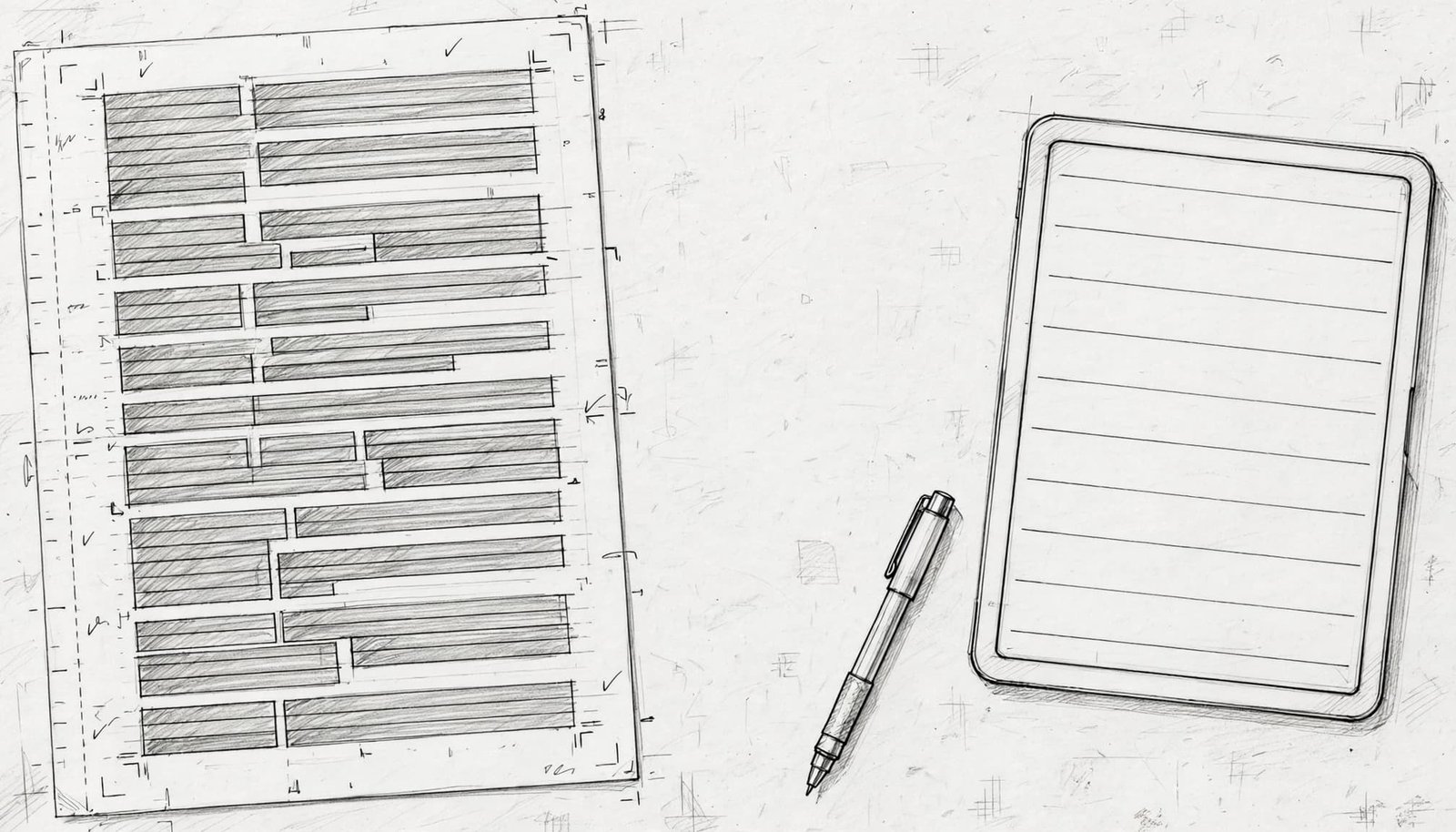
Edit the structure before the sentences
Read the manuscript in chapter order.
Look for missing explanations, repeated ideas, and instructions that arrive too early. Move or remove passages before polishing their wording.
Then review each paragraph.
Replace vague statements with direct explanations. Cut introductions that delay the point. Keep terminology consistent across chapters.
Read difficult passages aloud.
If a sentence takes several attempts to understand, simplify it.
Ask someone in your intended audience to read the manuscript. Ask where they became confused and what they couldn’t complete without extra help.
Use those answers to revise the content.
Format consistently and inspect the export
Apply a clear heading hierarchy and consistent paragraph formatting.
Use your editor’s heading styles rather than manually changing every heading. A free ebook template in Canva can provide a consistent starting layout. Reedsy can help prepare a book layout, while InDesign gives you more control over page design.
Keep spacing predictable, choose a legible font, and check the font size and line spacing. Give images a clear purpose.
For Kindle publishing, Amazon’s ebook manuscript formatting guide covers preparing the manuscript for KDP.
After exporting, open the actual file readers will receive.
Review the table of contents, chapter breaks, images, links, and ending. Make sure navigation points to the correct sections.
If you used Canva, inspect the exported design on both a phone and a computer.
Don’t assume the exported file matches the working document.
A broken link or missing paragraph can survive a clean-looking draft.
Correct the source document, export again, and inspect the replacement file.
Choose a format and prepare for publishing
Choose where readers will receive the ebook, especially if you plan to self-publish.
Check the destination’s file requirements before finalizing the export.
This helps you avoid preparing a file the platform doesn’t support.
Prepare the publishing file
EPUB is a format for digital publications, defined in the W3C EPUB specification.
Amazon KDP, or Kindle Direct Publishing, supports EPUB manuscripts that meet its Kindle Publishing Guidelines.
Calibre can help you manage or convert files, but check that the final format meets your destination’s requirements.
If the platform supports it, a PDF may suit a direct download, especially when you need to preserve a fixed page layout.
Keep your editable manuscript separate from the publishing file.
The manuscript remains your source for corrections. The exported file is the version you upload or deliver.
Use clear filenames so you don’t confuse a draft with the final version.
Keep supporting images and other source material together. A simple folder structure makes later revisions easier to manage.
Prepare the cover and description
The ebook cover should communicate the subject clearly.
Make the title readable and avoid crowding the design with competing elements. Use a subtitle only when it adds useful information.
The description should explain who the ebook is for, what it covers, and what readers can expect to do afterward.
Keep those promises aligned with the manuscript.
Avoid calling the ebook complete if it covers only one part of a larger process.
Prepare the author name, description, cover, and final file together before publishing.
Consistency matters here. The title on the cover should match the title inside the ebook and on its publishing page.
Connect the ebook to a clear delivery process
Creating the file is one part of preparing the digital product.
Readers also need a clear way to access it.
If you deliver the ebook through your own website, connect the download page, delivery message, and file.
Platforms such as Podia and Gumroad are options. Check their current file-delivery features before choosing one.
Whether you sell your ebook or offer it as a lead magnet to grow an email list, choose a delivery path that makes access clear.
Explain what readers receive before they submit their details or complete a purchase. Afterward, give them a direct instruction for accessing the ebook.
Keep the delivery message focused.
The access link should be easy to find. Additional offers shouldn’t hide the resource someone requested.
Test the complete process as a reader would.
Start on the page, complete the required action, open the delivery message, and download the file. Confirm that the file is the intended version.
If the ebook is part of an email funnel, make the next message relevant to the same reader problem.
Don’t introduce an unrelated offer because the delivery is complete.
The connection should make sense.
When you revise the ebook, update the delivered file as well as the manuscript. Otherwise, new readers may continue receiving an older version.
A clear delivery process supports the work you’ve already done.
Consider copyright registration
If you choose to register your ebook, the U.S. Copyright Office registration portal provides access to the Electronic Copyright Office registration system, known as eCO.
Keep registration records with your manuscript and publishing documents.
Maintain a clear final version so your records remain organized as you revise the ebook.
Treat registration as a separate administrative task within your publishing process.
Frequently Asked Questions
What should I decide before writing an ebook?
Choose a specific reader and one clear outcome the ebook can support. Use that outcome to set the content boundaries and organize the chapters around the reader’s next steps.
Which file format should I use for an ebook?
Check the publishing destination’s file requirements before exporting. EPUB is a digital publication format, while PDF may suit a direct download when you need to preserve a fixed page layout.
How should I check an ebook before publishing?
Open the exported file readers will receive and review its table of contents, chapter breaks, images, links, and ending. Correct any problems in the source document, export again, and inspect the replacement file.
How should I deliver an ebook to readers?
Choose a delivery path that clearly explains how readers will access the file, whether they download it directly or receive it by email. Test the full process, including the access link and the file they receive.
Build the ebook around a clear outcome
A useful digital book starts with a clear reader need and a structured path through it.
Writing, editing, formatting, and delivery each support that path.
Begin with the reader’s outcome, then build an outline that supports it.
Once the structure is clear, write the first complete section and work through the manuscript in order.
If you want to learn the way I did back in 2024, I highly recommend you jump in the Legacy Builders program here